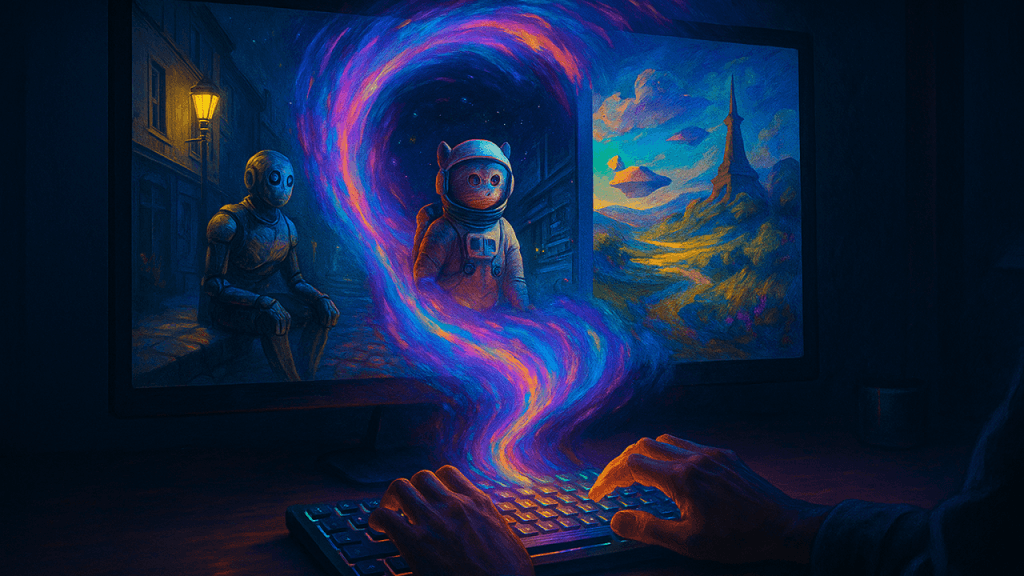
Ever had a brilliant, epic image shimmering in your mind, only to try and draw it and end up with something that has the artistic flair of a potato? You're not alone. But what if you could bypass the need for a steady hand and just describe it into existence?
Welcome to the electrifying world of AI image generation. This isn't about code; it's about creativity. It's the technology behind those hyper-realistic portraits of people who don't exist and those fantastical images of cat astronauts commanding starships. This is your guide to pulling back the curtain, taming the machine, and turning your wildest daydreams into digital masterpieces.
Peeking Under the Hood: How AI Makes the Magic
So, how does an AI turn the words "a sad robot" into a picture? It's not magic, but it's close. At the heart of most AI art tools is something called a diffusion model.
Let's use an analogy. Imagine a crystal-clear photograph. Now, imagine slowly adding layers of TV static or "noise" until the picture is completely gone. A diffusion model is trained to do the exact opposite. It's an expert "de-noiser."
When you give it a prompt, it starts with a canvas of pure random chaos. Your prompt acts as a map. Guided by this map, the AI starts sculpting, carefully removing bits of noise that don't match your description. It's like a sculptor who starts with a rough block of marble (the noise) and, knowing they want a lion (the prompt), chips away everything that isn't a lion until a perfect figure emerges.
The Art of Talking to Robots: Mastering the Prompt
Here's the secret sauce: the AI is a genius, but it's a very literal one. The real skill in AI art generation lies in your "prompt." Think of yourself as an art director for a ridiculously powerful robot that takes every single word to heart.
"A sad robot" is a fine start. But you'll get a generic, sad-looking robot.
"A forlorn, rusty robot sitting on a Parisian street corner under a dim streetlight, cyberpunk style, cinematic lighting, photorealistic"... now that's where you get art.
To craft a killer prompt, think in layers:
- Subject: Get specific. Not just "a car," but "a vintage 1960s muscle car."
- Medium & Style: Define the look. Is it an "oil painting," a "photograph," or a "3D render"?
- Composition & Lighting: Direct the scene. Use terms like "wide-angle shot," "close-up portrait," "dramatic backlighting."
- The Magic Words: Add details that signal quality. Mentioning camera types ("shot on Sony a7 III") or resolutions ("8K, highly detailed").
Your AI Creative Suite: A Guide to the Top Tools
- Midjourney: The brooding artist. Famed for its breathtaking, atmospheric, and compositionally strong images. Perfect for epic fantasy concept art.
- DALL-E 3: The friendly translator. Incredibly user-friendly and brilliant at understanding complex, conversational prompts.
- Google's Imagen 2: The photorealist. Excels at creating stunningly realistic images and is particularly good at rendering clean, accurate text.
- Stable Diffusion: The DIY kit for control freaks. As an open-source tool, it offers unparalleled customization.
The Next Frontier: AI Becomes a Filmmaker
Just when we mastered images, AI decided to become a movie director. The latest game-changer is text-to-video, and the results are mind-blowing.
- ChatGPT's Sora: The Hollywood Director in a box. Sora can generate up to a minute of high-definition, stunningly coherent video from a simple text prompt.
- Runway & Pika Labs: Major players pushing the boundaries of AI video, offering tools that let you generate and edit video with text commands.
AI isn't here to replace human artists. It's here to be a collaborator, a muse, and a ridiculously fun co-pilot on your creative journey. It's a tool that lowers the barrier to entry, but the vision, taste, and imagination still come from you.
The digital canvas is waiting. What masterpiece will you type into existence first?